Chinese Dictionary

Look up, read and remember Chinese.

A structured system for learning Chinese: a fast dictionary in English, German and French, a reader that clarifies any word as you go, and flashcards that bring words back at the right time.

4.7 on the App Store (1185 ratings)

On the App Store since 2009

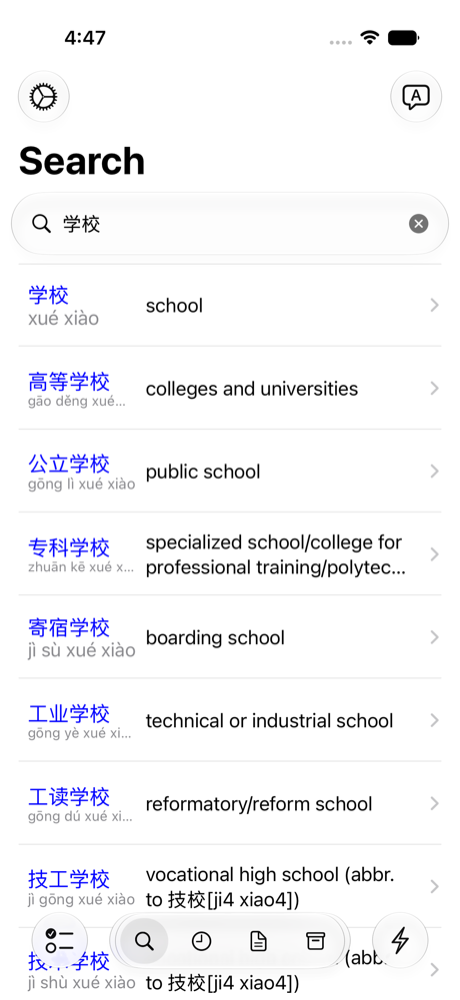
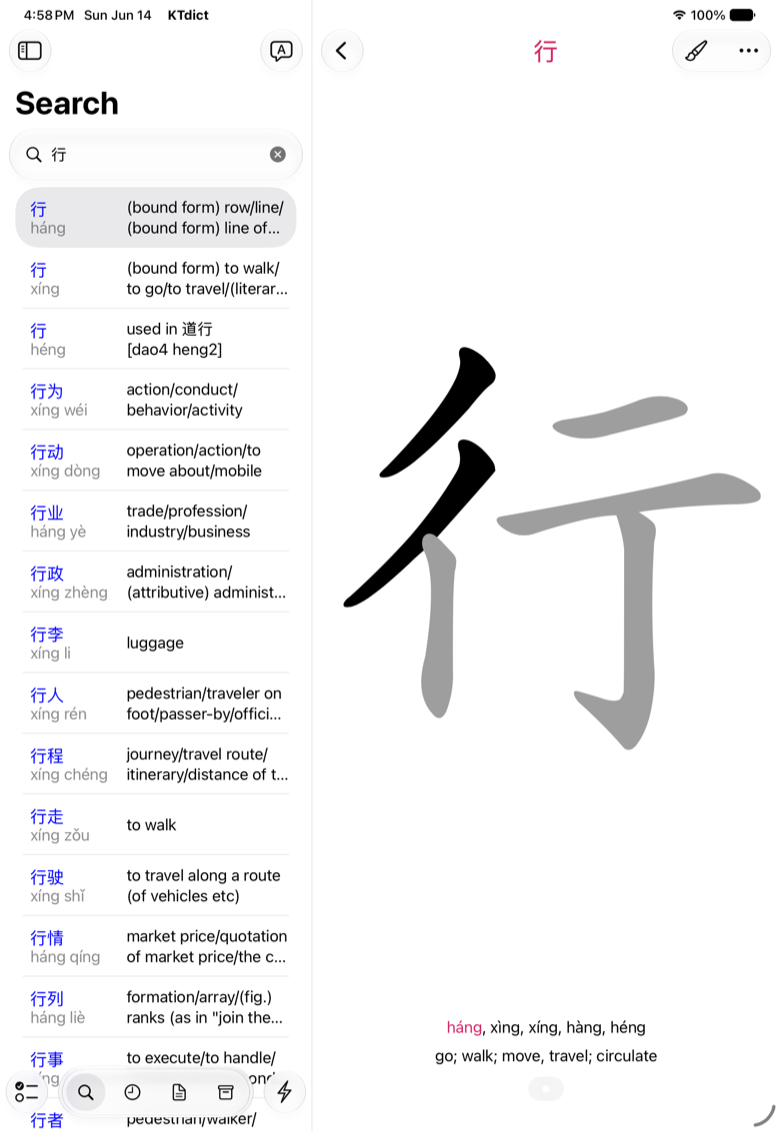
KTdict search results for a Chinese word, showing characters, pinyin and English meanings
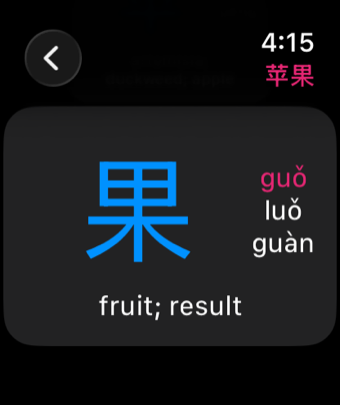
KTdict on Apple Watch, showing a Chinese character with its pinyin and meaning

What KTdict does

Everything from a first lookup to long-term recall.

Five tools that work together, on every Apple device you own, with your words synced through iCloud.

Show screenshots for

Learn through your native language: 🇬🇧🇩🇪🇫🇷

Understand words completely

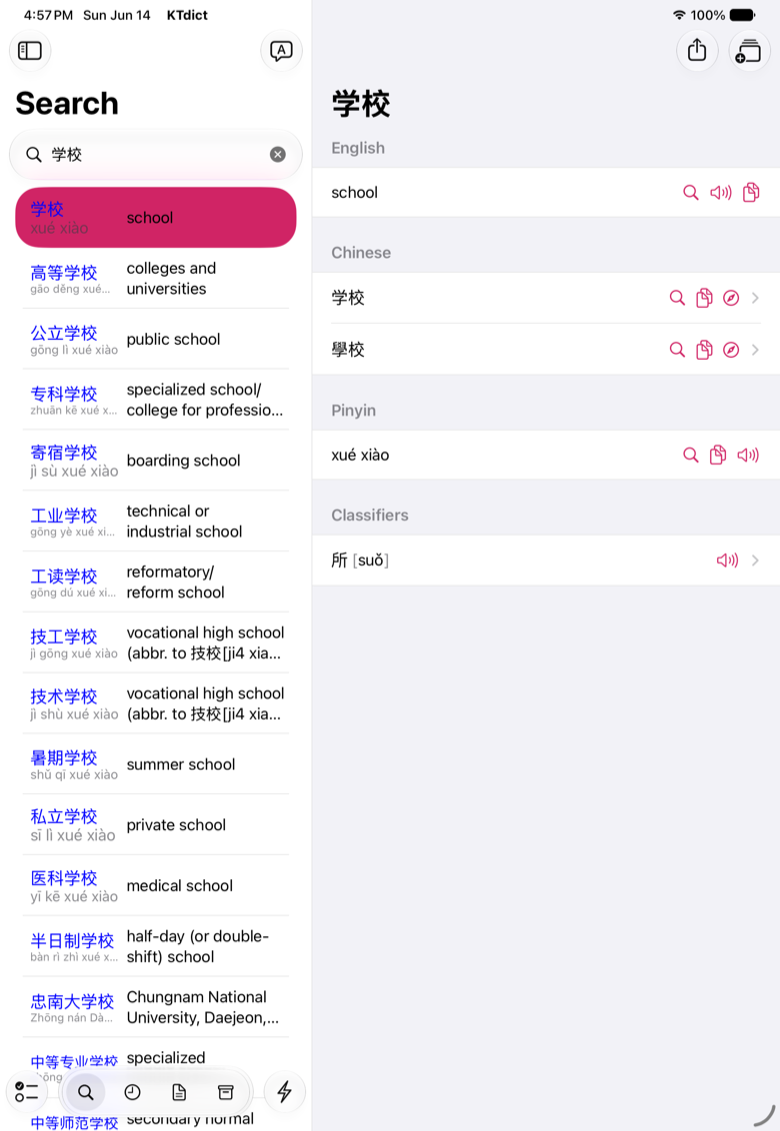
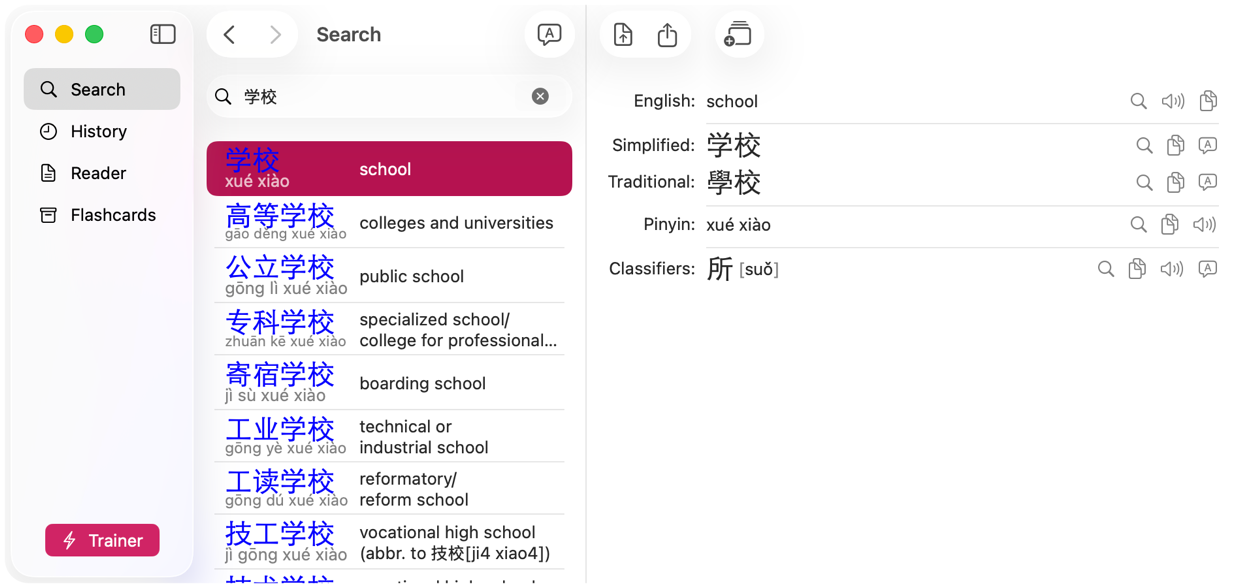
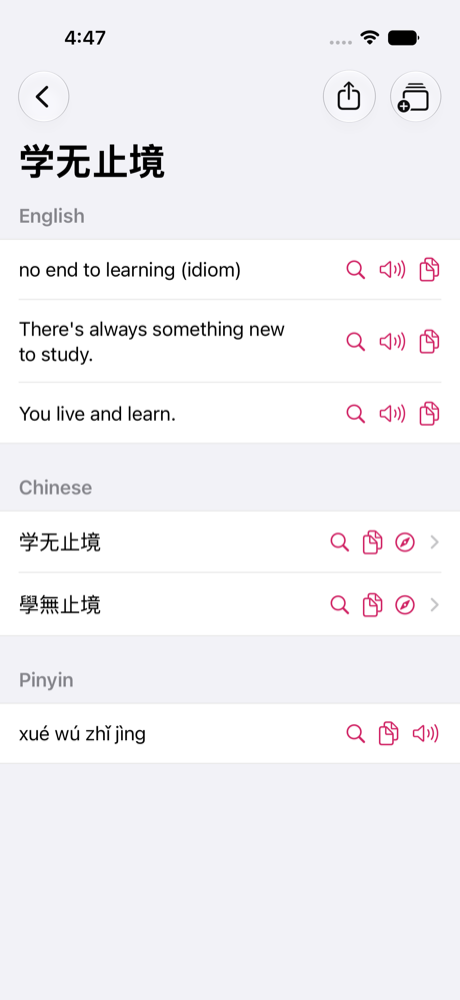
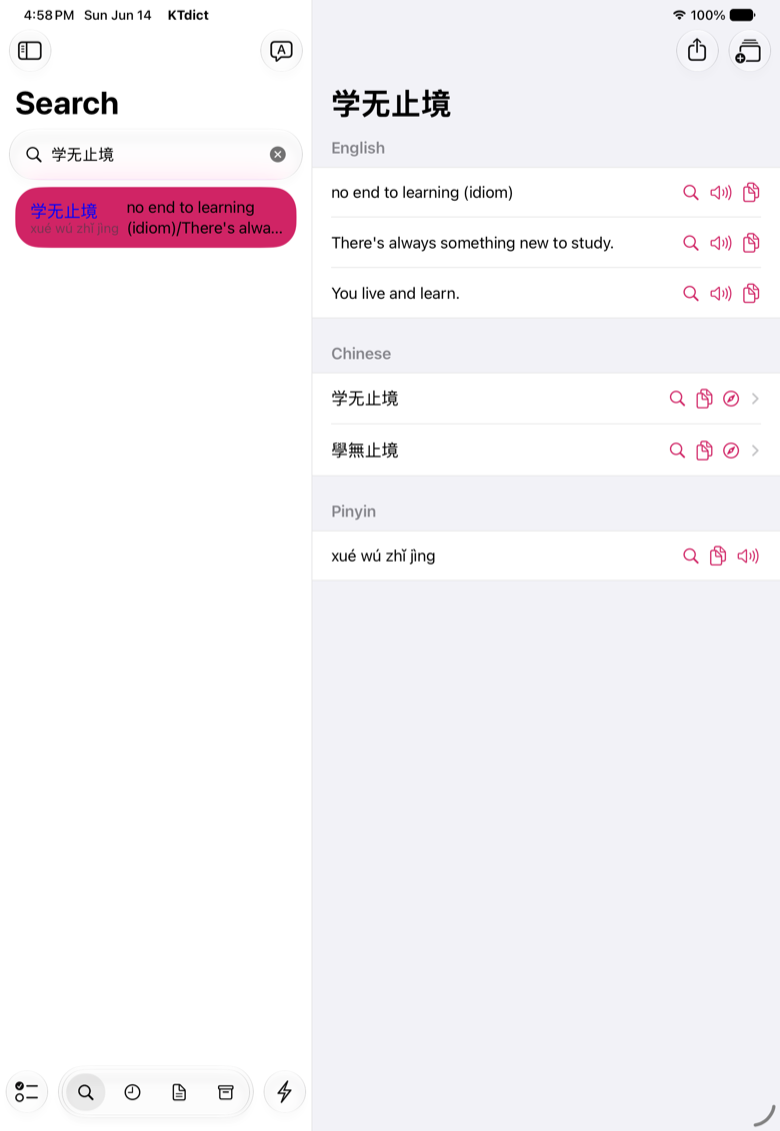
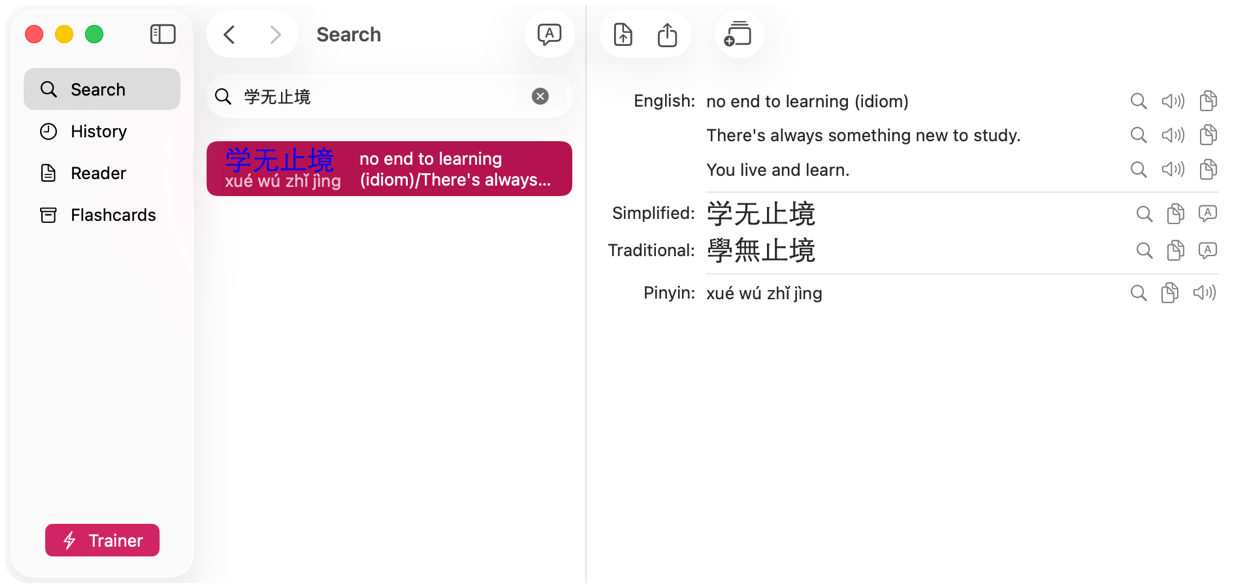
Every entry shows the full picture: all meanings, simplified and traditional characters, pinyin, example sentences, and the characters a word is built from. Tap through to any character to see its own meaning, so a new word becomes something you actually understand rather than something you memorise.

KTdict word detail view with English meanings, simplified and traditional characters and pinyin

Tap any word to clarify meaning instantly

Read Chinese independently

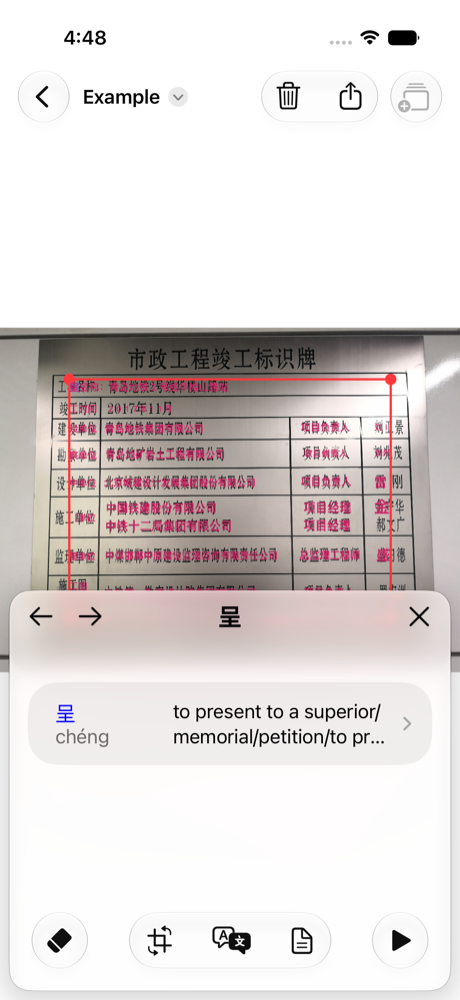
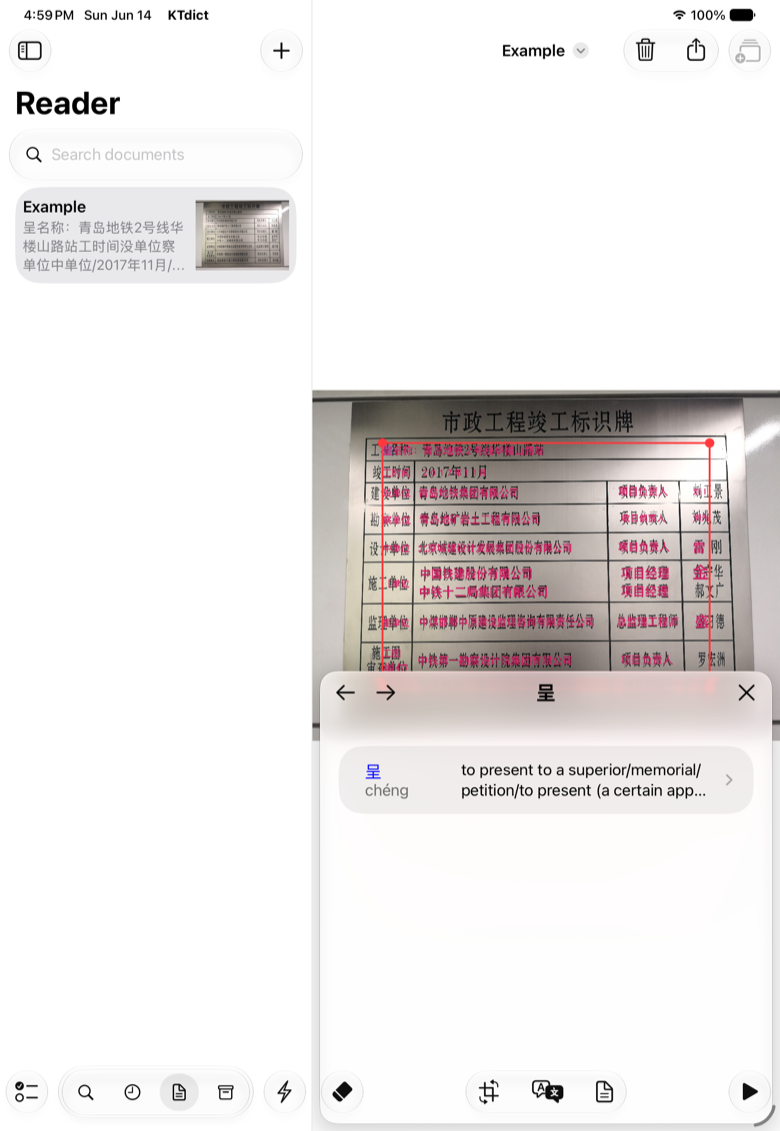
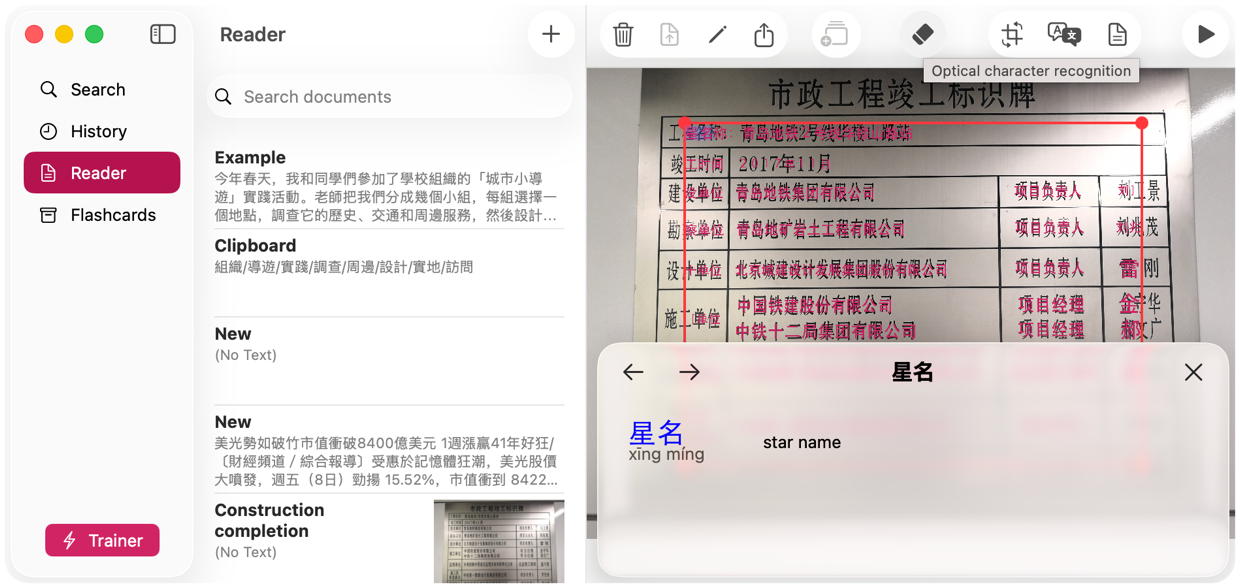
Paste an article, import a document, or point the camera at a sign, menu or textbook page — KTdict recognises the Chinese text and turns it into something you can read. Tap any word for its meaning in a panel that never loses your place, so you keep reading instead of switching apps.

KTdict reader showing scanned Chinese text with an instant word lookup panel

Create flashcards and review at the right time

Spaced repetition built in

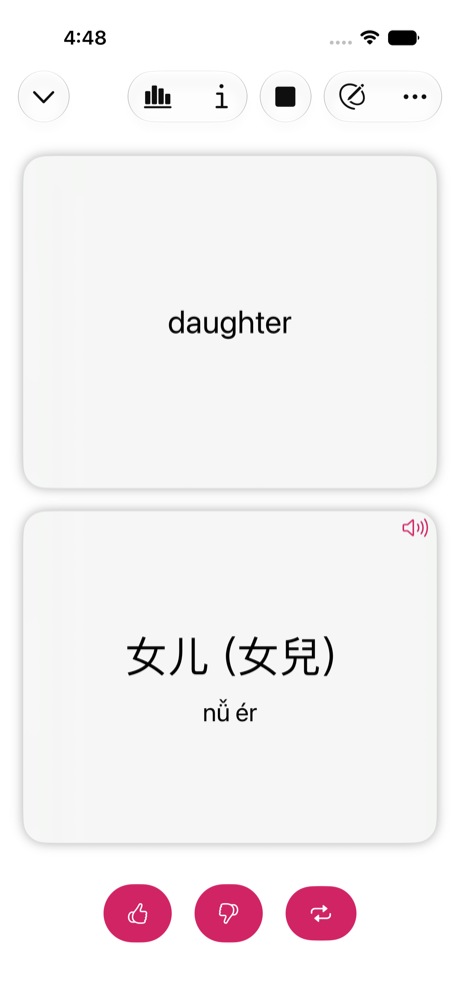
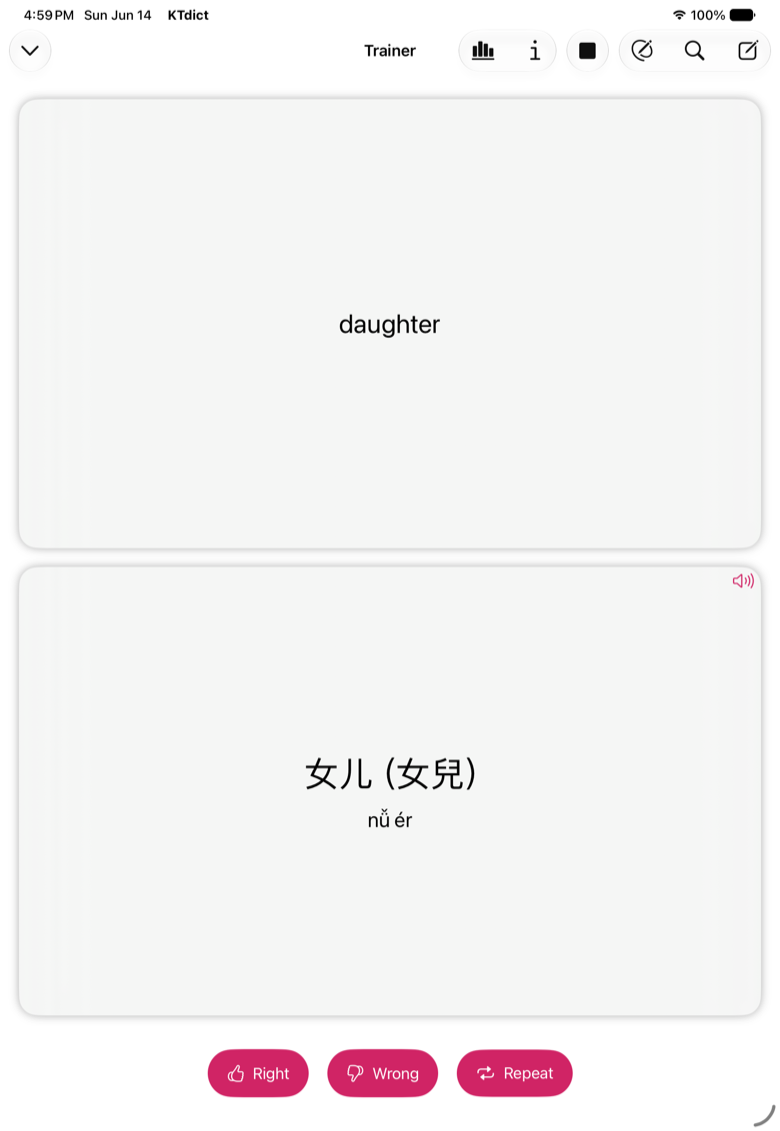
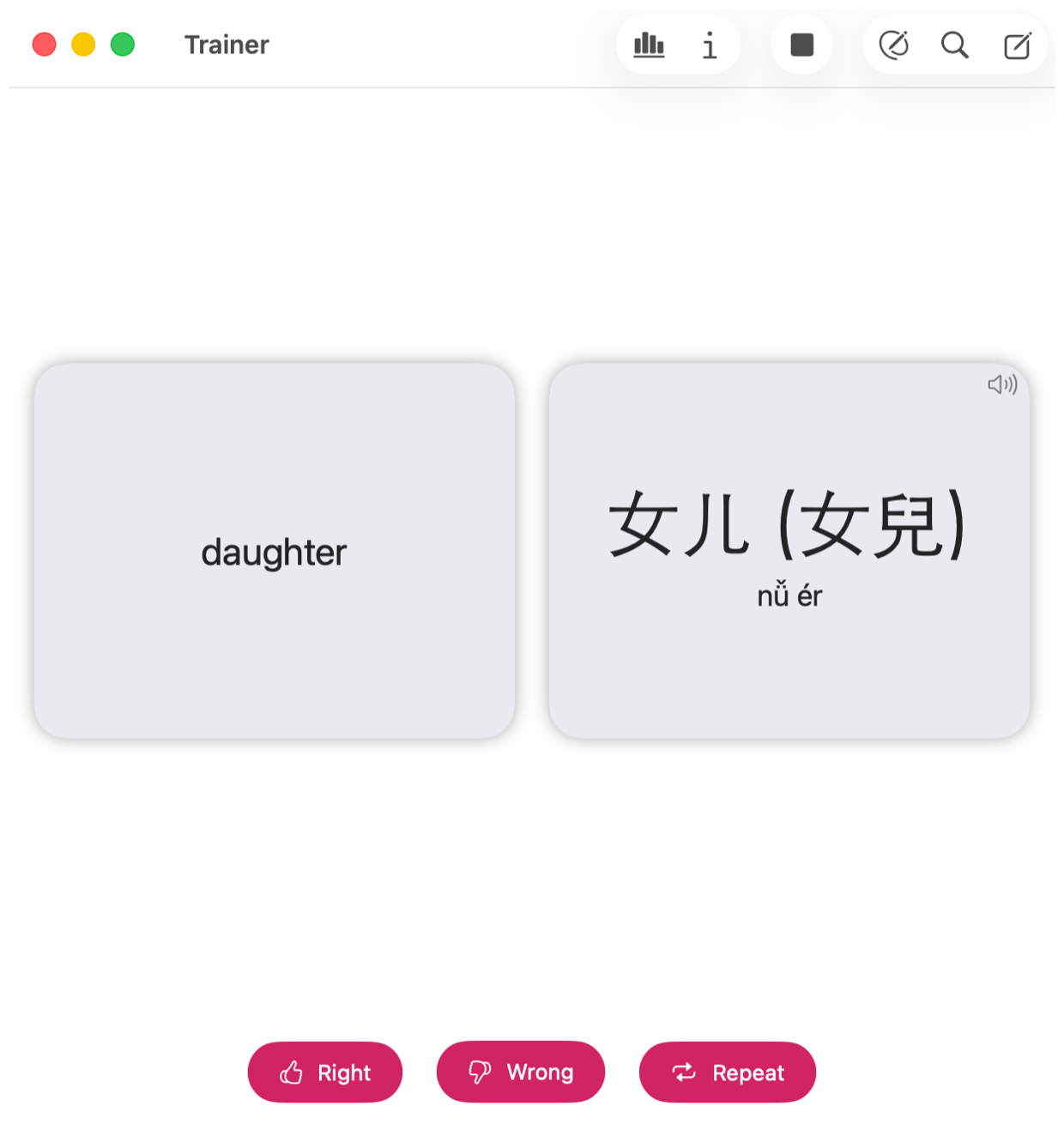
Turn any dictionary entry or word you met while reading into a flashcard with one tap. The trainer schedules each card for the moment you are about to forget it, so a few minutes a day is enough to keep hundreds of words alive. Review on your iPhone, continue on your Mac.

KTdict flashcard trainer showing a Chinese word ready for review

Write characters confidently

Stroke order guidance

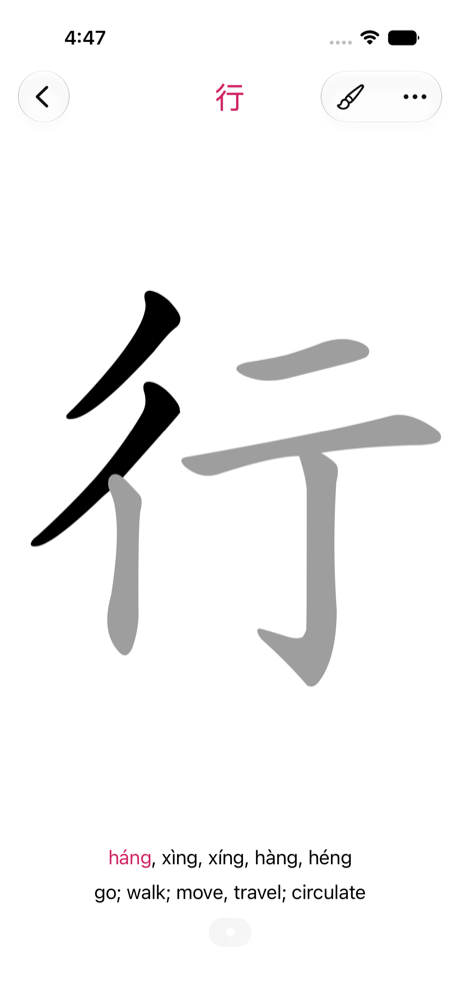
See how every character is written, stroke by stroke, in the correct order. Handwriting is what makes characters stick, and having the stroke order right there next to the meaning means you can practise the moment you meet a new character.

KTdict stroke order animation for a Chinese character

Pricing

One time purchase.

Start free. Unlock everything once, and it stays unlocked — on every device you own.

  • Free with ads
  • One-time purchase for full features
  • No subscriptions
  • Purchase covers iPhone, iPad, Mac and Apple Watch

Reviews

What learners say on the App Store.

Read more reviews →

★★★★★

Excellent Chinese-English Dictionary

“I've been using this dictionary for years. As a native English speaker studying Chinese, I find it straightforward, easy-to-use, and reliable.”

William Alexander IV ·

★★★★★

App and support outstanding

“I love the flashcards, daily sets, and the ability to search and study without the internet. Just a great app.”

willsot1961 ·

★★★★★

Best app for looking up Chinese words

“You can look words up by typing in English, Chinese, or Pinyin which I think is amazing.”

oorangelemon ·

FAQ

Questions people ask before downloading

Which devices does KTdict support?

KTdict runs on iPhone, iPad, Mac and Apple Watch. A single purchase covers all of them, and your flashcards, reader documents and history sync between them through iCloud.

Does it work offline?

Yes. The dictionary, the reader and the flashcard trainer all work without an internet connection, which is what you want on a plane, on the underground, or travelling in China.

Is there a subscription?

No. KTdict is free with ads, and a single one-time purchase unlocks every advanced feature permanently. There is nothing to renew and nothing to cancel.

Which languages can I translate to and from?

Chinese to and from English, German and French, all in the same app. Search in whichever of those languages you think in, and read entries in the one you learn best from.

Does KTdict handle traditional characters?

Yes. Every entry shows both the simplified and the traditional form, so the app suits learners on the mainland as well as in Taiwan and Hong Kong, and you can search using either.

Can it read Chinese from a photo?

Yes. Point the camera at printed Chinese — a sign, a menu, a page of a textbook — and KTdict recognises the characters so you can tap any word for its meaning.
News

From the KTdict news archive.

See all news →

June 27, 2026

KTdict 4.8.3: a bigger reader

The reader view can now be resized to full screen, alongside a round of interface polish and bug fixes.

June 6, 2026

KTdict 4.8: a new look, and full-text translation

A modernised interface across every device for a clearer, distraction-free study environment, plus full-text translation and a faster app throughout.

December 25, 2023

KTdict 4.7: animated stroke order

Every character gained an animated stroke order diagram, so you can see exactly how it is written before you write it yourself.

Start learning Chinese with KTdict today.

Free to download. One purchase unlocks everything, on every Apple device you own.